Explain One Thing Clearly in a 30-Second Ad: Wan 3.0 Takes Brand Ideas from Storyboards to Finished Film
When making a brand film, the easiest wrong turn is to treat “premium visuals” as the entire brief. Deserts, highways, backlighting and slow motion can each look good on their own, yet putting them together may not help viewers remember the product. If the client asks, “So what is this film actually saying?”, all that polish becomes difficult to turn into effective communication.
Wan 3.0’s 30-second generation window gives creators a chance to take an idea from setup to resolution. For advertising teams, this change deserves attention: a character entering a scene, a prop being used and an audience understanding a contrast can finally fit into one production unit. When starting a trial, use the Wan 3.0 online creation entry point to test a small idea before expanding it into a complete brand expression.
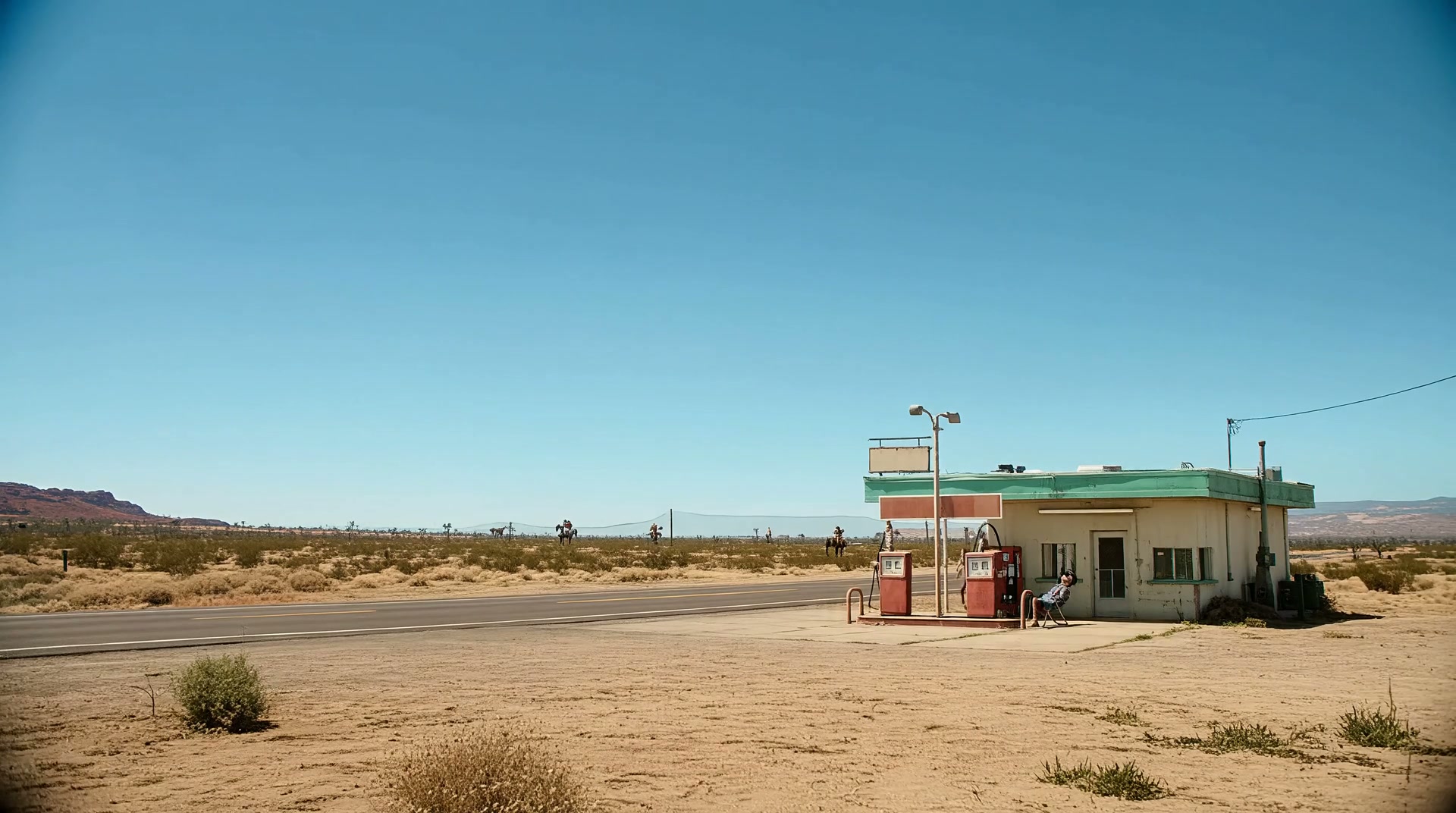
Start with a Contrast: A Cowboy, a Horse and a Gas Station
The Western creative demonstration below establishes its setting with a desert road and a vintage gas station, then brings a cowboy and a horse into the frame. A space normally occupied by cars encounters another kind of “vehicle,” and that contrast creates the story’s point of interest. It is useful for discussing contrast in advertising ideas; it is not a real campaign for any particular brand.
The characters’ clothing, the fuel pumps and the horse form a recognizable set of visual cues. A shot does not have to keep pursuing spectacle: if viewers understand what a character is doing and how another person reacts, a simple scene gives them a reason to keep watching. For brand content, that effort of understanding is often more important than visual complexity.
A Short Film Should Carry One Main Selling Point
Thirty seconds offers more room than a few seconds, but still cannot accommodate an entire brand manual. Packing product performance, brand history, use cases and promotional information into the same film often produces something attractive but crowded. A more practical approach is to begin with one sentence describing what viewers should remember.
For a drink designed to be carried outdoors, for example, the theme could be “No matter how far you travel, you can always take a break.” The road, characters and props all serve that sentence: the environment establishes the journey, the action shows the drink being used, a character’s reaction supplies emotion, and the product then has a reason to appear. This is a script example and does not need invented sales figures or client feedback to establish its value.
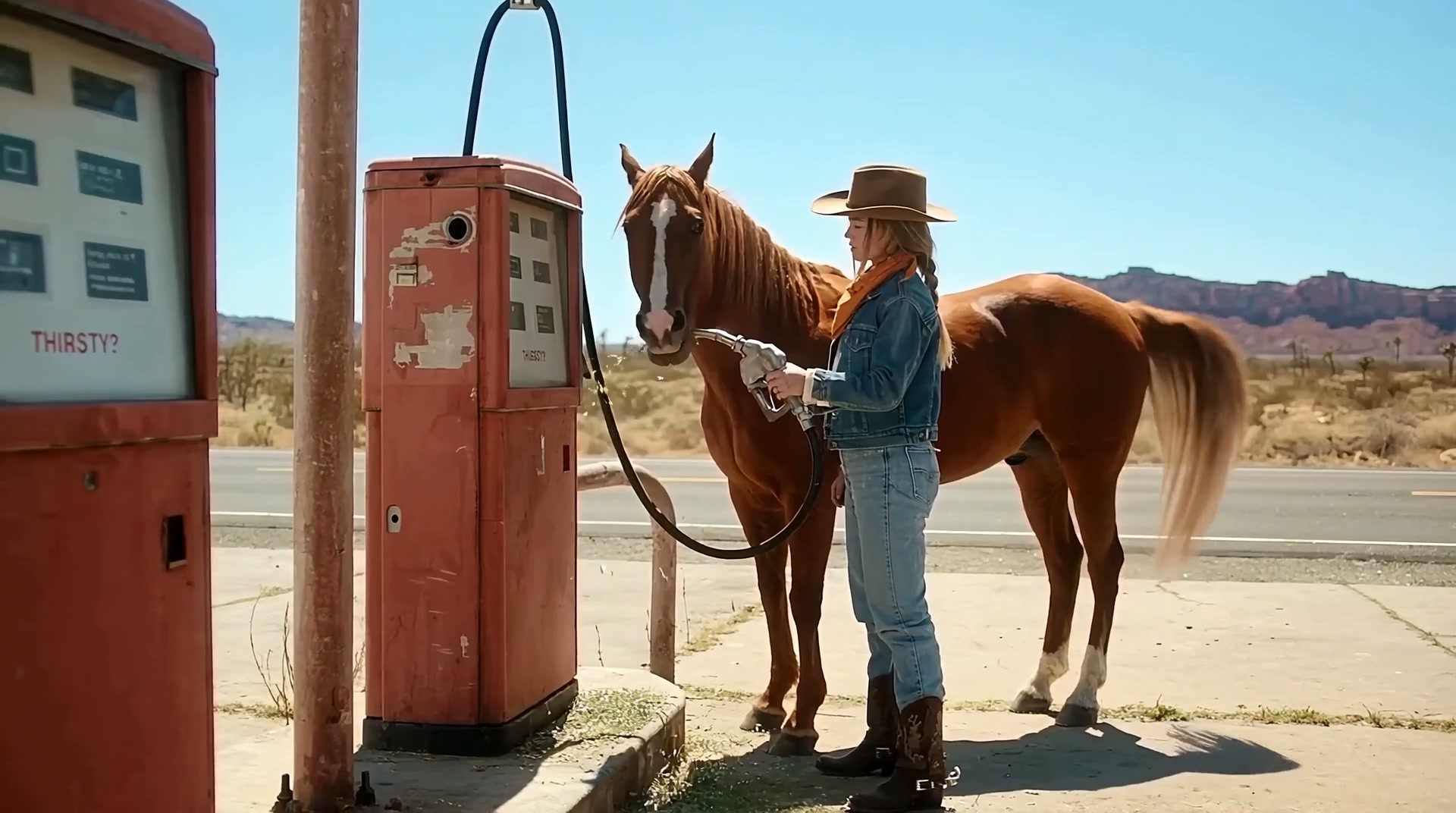
Split the script into three stages: establish the character’s situation at the start, let the product or a key prop participate in the action in the middle, and leave a clear visual memory at the end. These stages need a causal relationship. A question raised in one scene should receive a response in the next, so the film becomes more than a rotation of different assets.
Bring the Proposal into Generation, but Write the Directorial Intent Yourself
Alibaba Cloud’s feature documentation includes documents, web pages and images in its reference system and also supports native video generation with sound. This makes it easier to bring existing product descriptions and visual materials into creation. The references provide the content; the prompt must still explain which information matters most and which shots will communicate it.
Prepare a compact reference package: front and side photographs of the product, the brand’s primary color, one clear use case, and the selling point this film should express. More reference images are not necessarily more effective. Giving every image a clear purpose helps reduce conflicts between style and subject.
- Product images define shape, packaging and materials; they should not also serve as character or environment references.
- Scene images define lighting and space. Avoid supplying several contradictory interior designs or color temperatures at the same time.
- Keep only the planning information this film needs, so the shots follow the same narrative thread.
Directors and designers who want to experiment in a browser can use the Wan 3.0 creation platform to begin with one product image and a short instruction. Confirm the subject, action and visual direction first, then gradually add references and duration. This makes it easier to identify what each adjustment changes.
Turn “Looks Good” into Specific Review Questions
Feedback on AI advertising can easily stay at the level of “make it more premium” or “make it more natural.” Those comments are not wrong, but they do not point directly to the next adjustment. Tying feedback to objects in the image makes production easier to move forward.
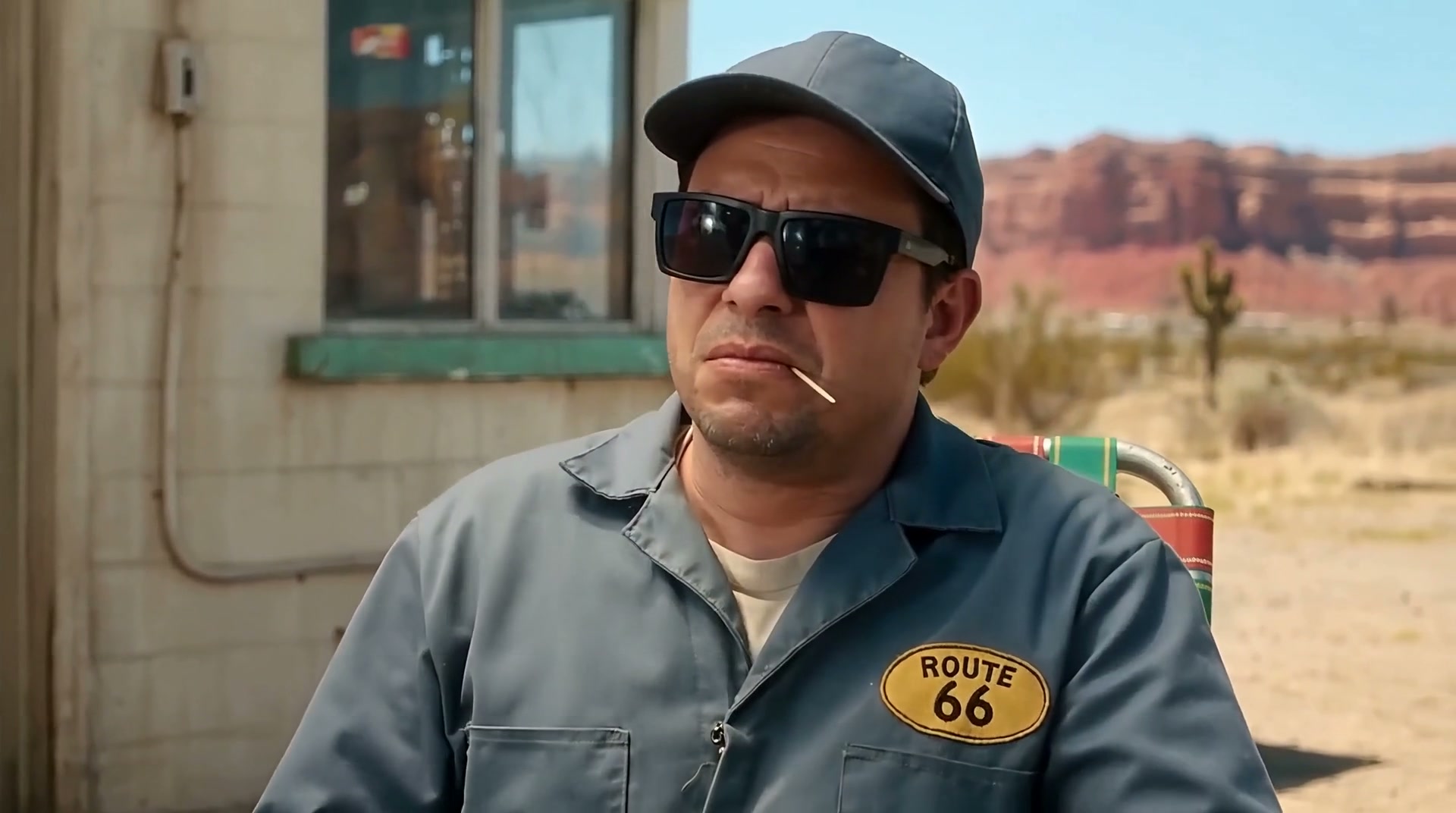
If the product appears too briefly, adjust its screen time; if a character’s reaction is too strong, reduce the expression; if viewers cannot understand the space, add an establishing shot. After watching the character close-up below, return to the complete video and notice one detail: a reaction itself carries information. A shot does not need a new action every second.
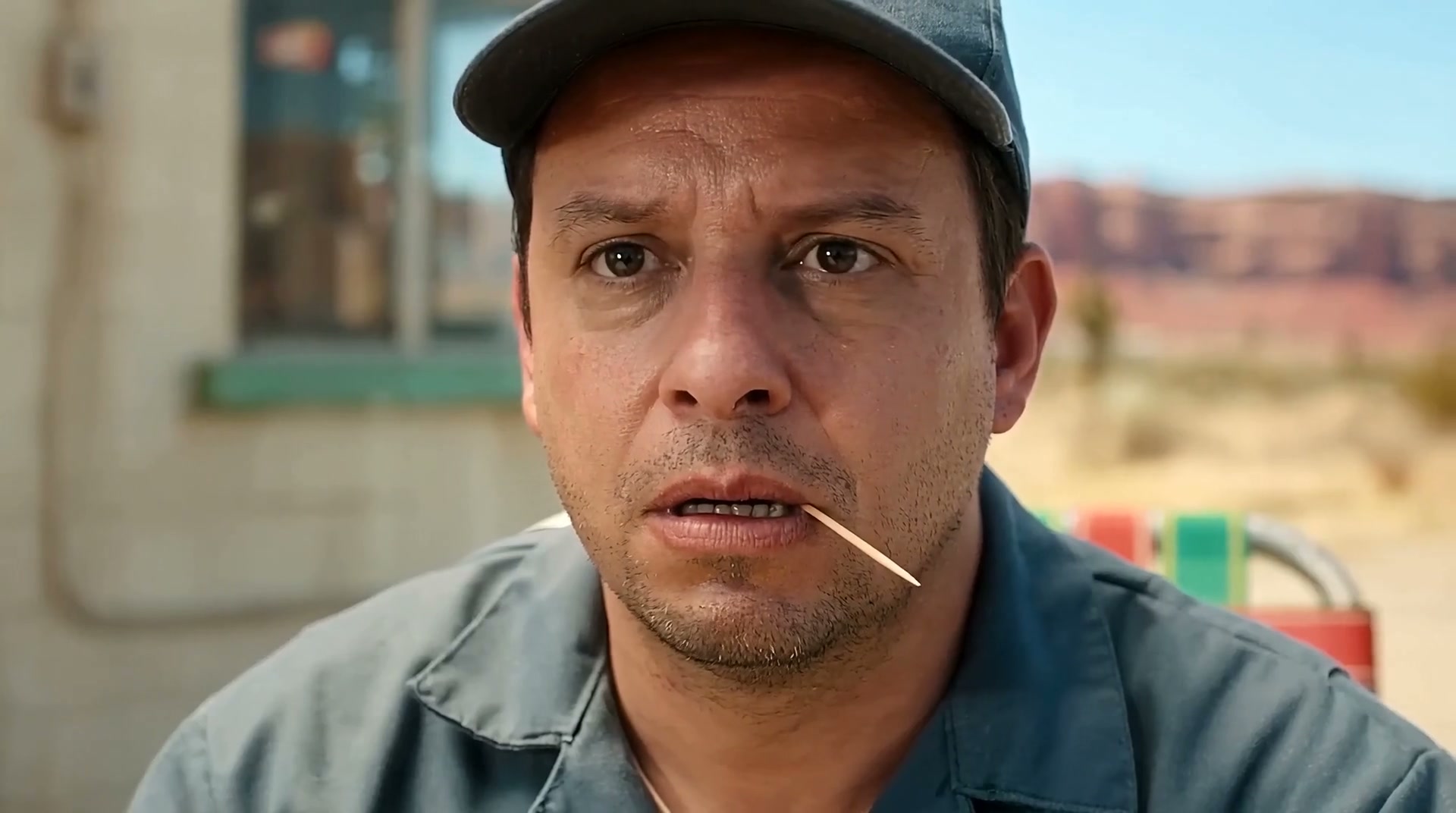
Before delivery, also check the product’s outline, packaging text, logo position and functional presentation. Brand graphics and exact copy can be applied in postproduction using the real assets, while the generated footage handles atmosphere, action and narrative. This division of work also fits advertising teams’ existing production habits.
Wan 3.0 makes it easier to turn a 30-second idea into a sample that can be discussed. The real objective is for every shot to answer the same brand question. To begin, take one product, one setting and one core message to try making a Wan 3.0 brand film, and make sure the idea works when played from beginning to end.